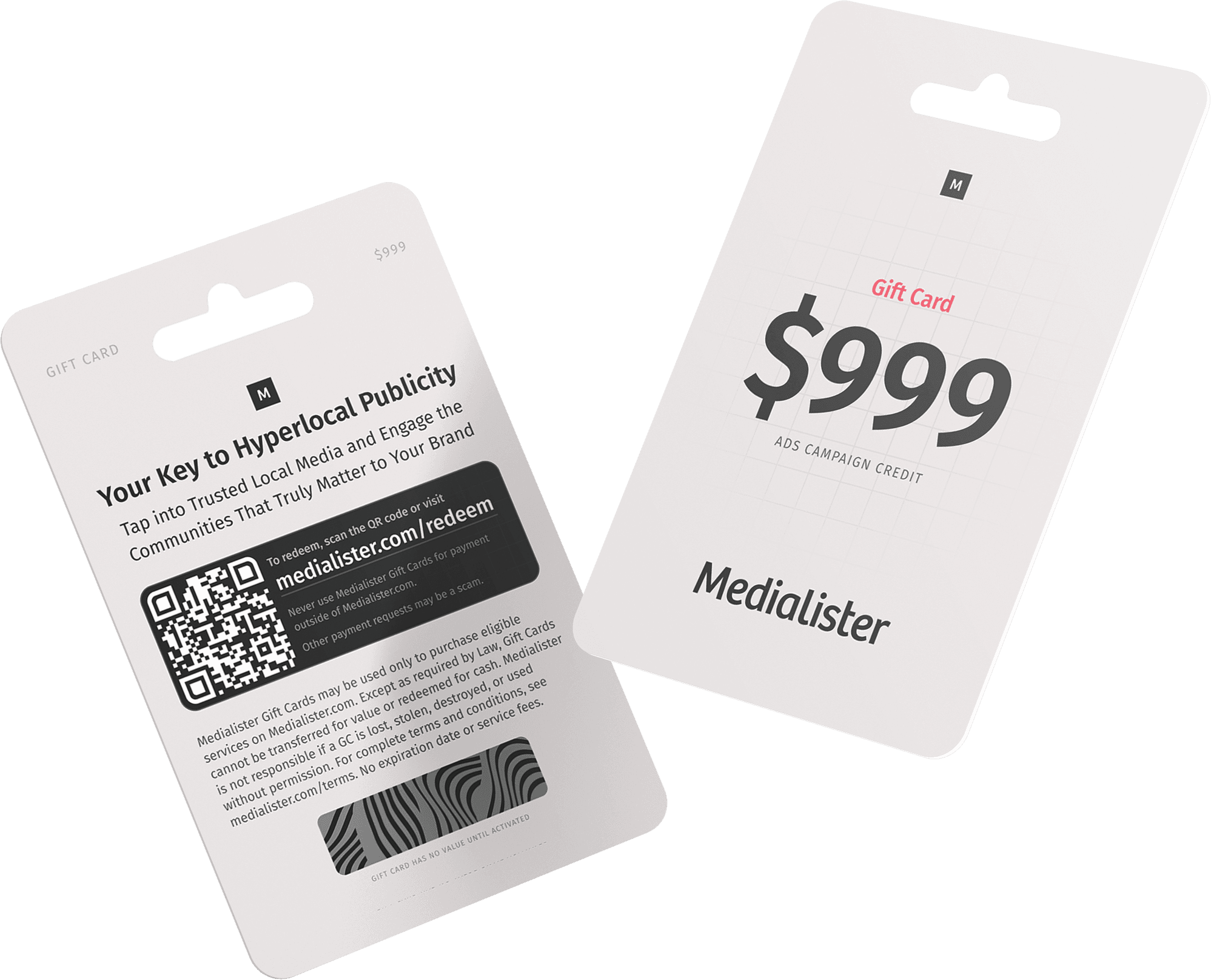
step-by-step guide

step-by-step guide

How to Use Gift Codes

How to Use Gift Codes

How to Use Gift Codes

Gift codes let you add funds to your organization's balance on Medialister.

Gift codes let you add funds to your organization's balance on Medialister.

Where to Redeem a Gift Code
Filter & Select Media

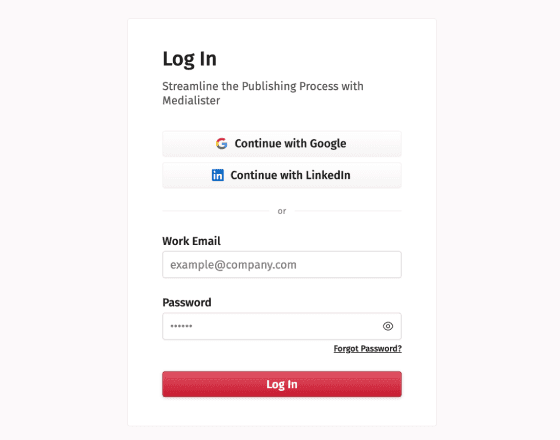
Sign In or Create a New Account

to get started
01

01

Filter & Select Media

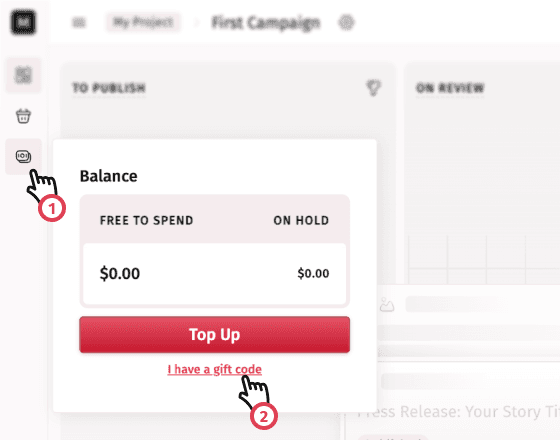
Open the Balance in the Sidebar

then click "I have a gift code".
02

02

Filter & Select Media

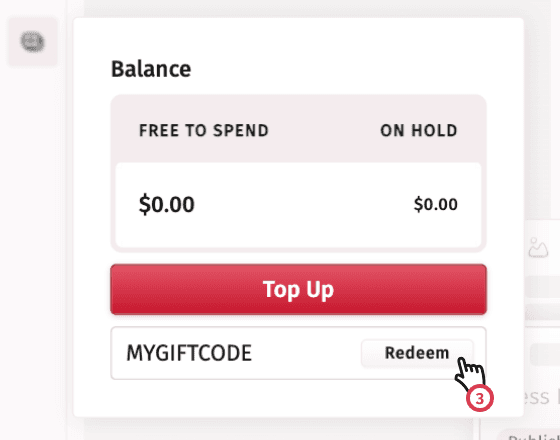
Enter Your Code in the Input

and click "Redeem"

03

03

Frequently Asked Questions

Everything you need to know about Medialister content marketing platform

Where to See Gift Code Transactions

All gift code redemptions appear in your organization's billing transactions as top-ups.

Where to See Gift Code Transactions

All gift code redemptions appear in your organization's billing transactions as top-ups.

Where to See Gift Code Transactions

Where to See Gift Code Transactions